I am re-discovering the goodness of NotePlan and have been actively using it again since 7 Dec. It is included in Setapp.
I have a ‘Daily Note’ template that’s set to be auto-inserted in my daily note everyday automatically. One of the h2 headings in the template is “Log”.
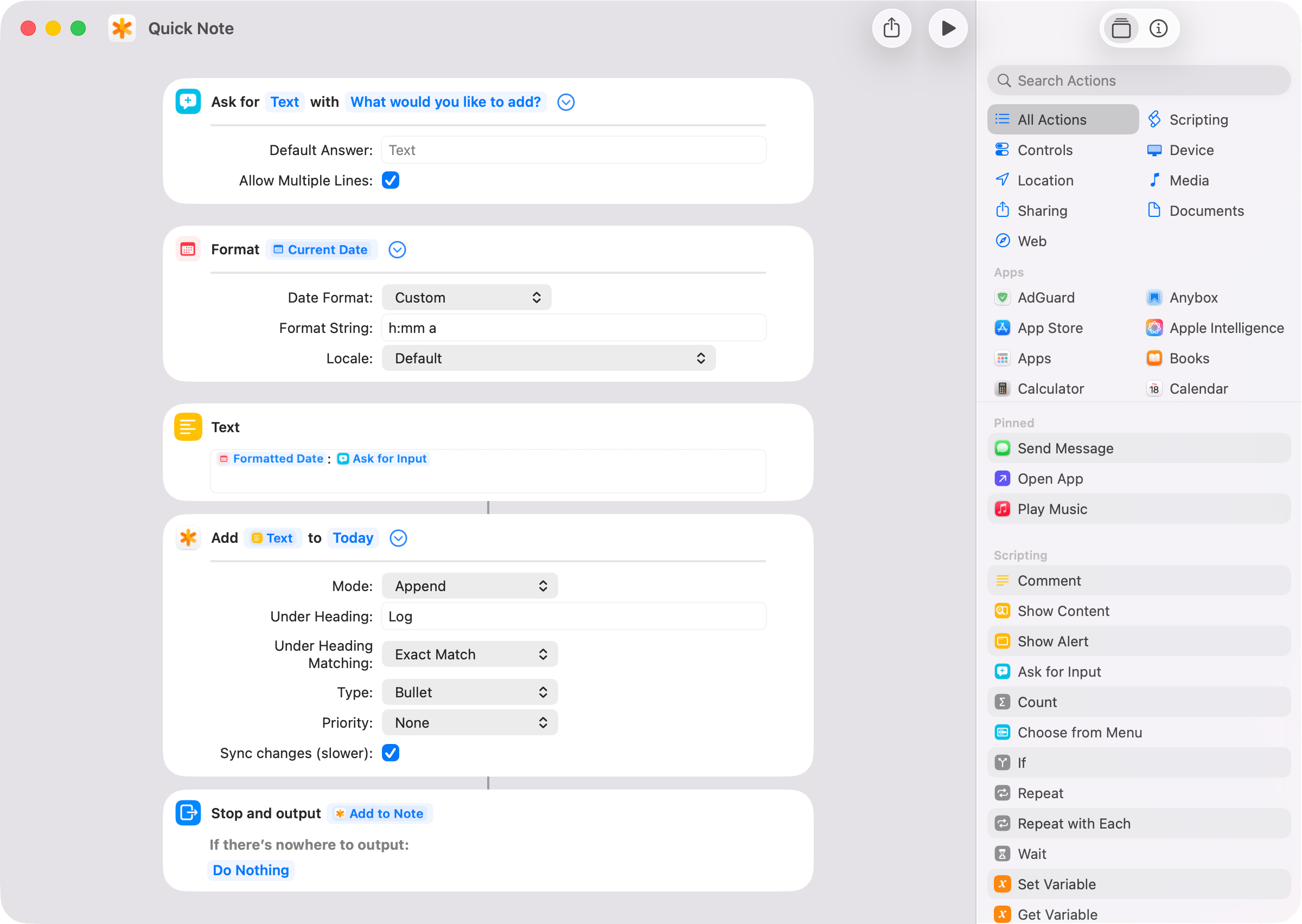
Here’s a Shortcut that
- asks for text or accepts voice input (if invoked via Siri)
- transcribes your speech and
- appends it as a bullet with timestamp prefix under the “Log” heading.
I have mapped the shortcut to Fn + L (L for Log) on the Mac using Keysmith (also in Setapp).
On iPhone, bring up Siri either by saying “Hey Siri” or by pressing and holding the right side button and when Siri is active, say “quick note”. When Siri begins listening, say what you want to log. Your voice will be converted to text and added under the “Log” heading in your NotePlan’s daily note at the end.
Like this:
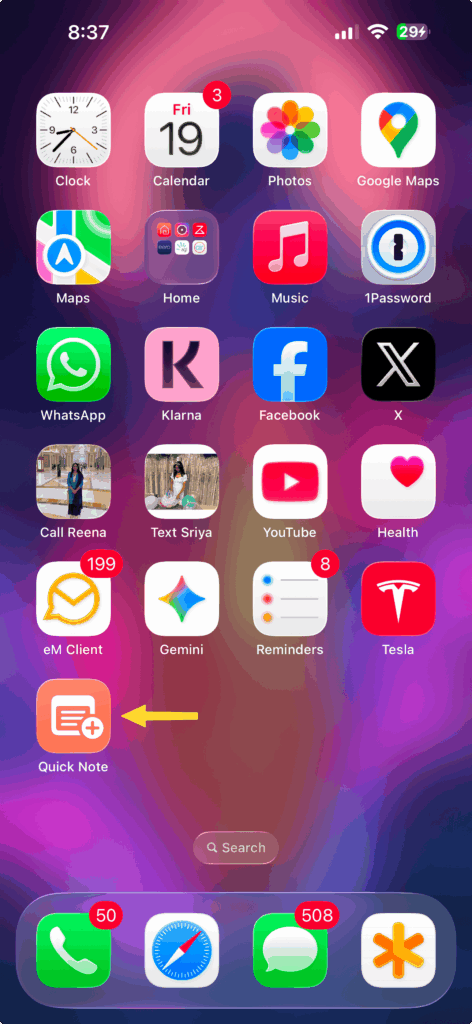
3:47 PM: this is a log entryI’ve also added the shortcut to my iPhone’s home screen for quick typing when it’s not possible to speak.
1 comment
Harold
It’s interesting to discover how everyone personalizes NotePlan.