I recently came to know about profiles in Safari via Stephen Robles.
The default keyboard shortcuts for opening the profile windows are Cmd + Option + Shift + 0-9.
MacStories has an article on how to set up easier to press/remember keyboard shortcuts for the above here.
The problem with these though is that, profile windows will open regardless of whether one is already open or not. So in essence, the shortcuts are for opening Safari’s profile windows and not for switching between them.
I wanted a way to have the shortcuts first look to see if a profile window is already open, and if so, switch to it instead of opening a new one.
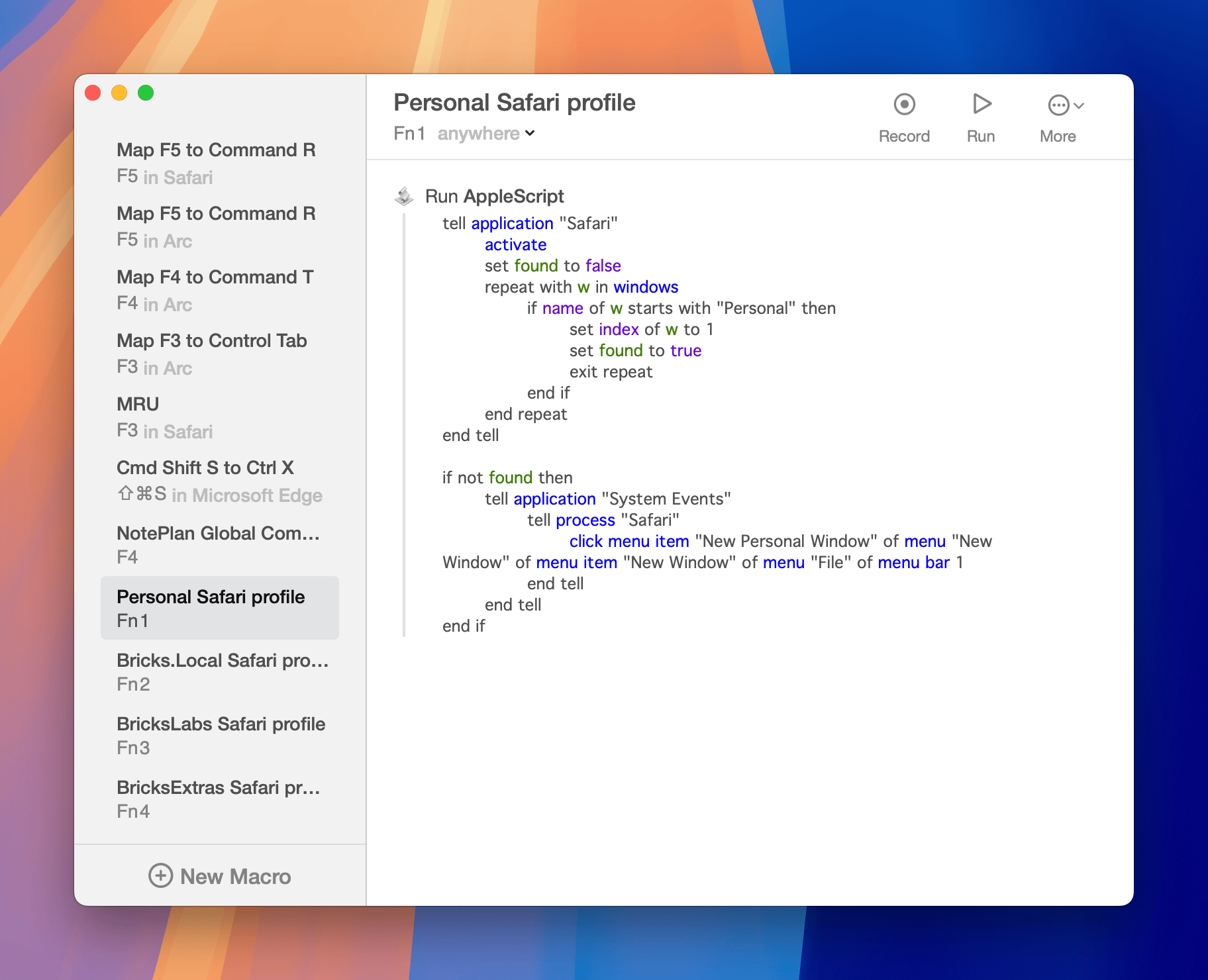
Here’s an AppleScript for switching to the default “Personal” profile:
tell application "Safari"
    activate
    set found to false
    repeat with w in windows
        if name of w starts with "Personal" then
            set index of w to 1
            set found to true
            exit repeat
        end if
    end repeat
end tell

if not found then
    tell application "System Events"
        tell process "Safari"
            click menu item "New Personal Window" of menu "New Window" of menu item "New Window" of menu "File" of menu bar 1
        end tell
    end tell
end if
I mapped the above to Fn + 1 using Keysmith (in Setapp).
A few other ways to do the same are: Keyboard Maestro, BetterTouchTool, Karabiner-Elements.
Replace both instances of Personal in the script for others.
Ex.:
tell application "Safari"
    activate
    set found to false
    repeat with w in windows
        if name of w starts with "BricksLabs" then
            set index of w to 1
            set found to true
            exit repeat
        end if
    end repeat
end tell

if not found then
    tell application "System Events"
        tell process "Safari"
            click menu item "New BricksLabs Window" of menu "New Window" of menu item "New Window" of menu "File" of menu bar 1
        end tell
    end tell
end if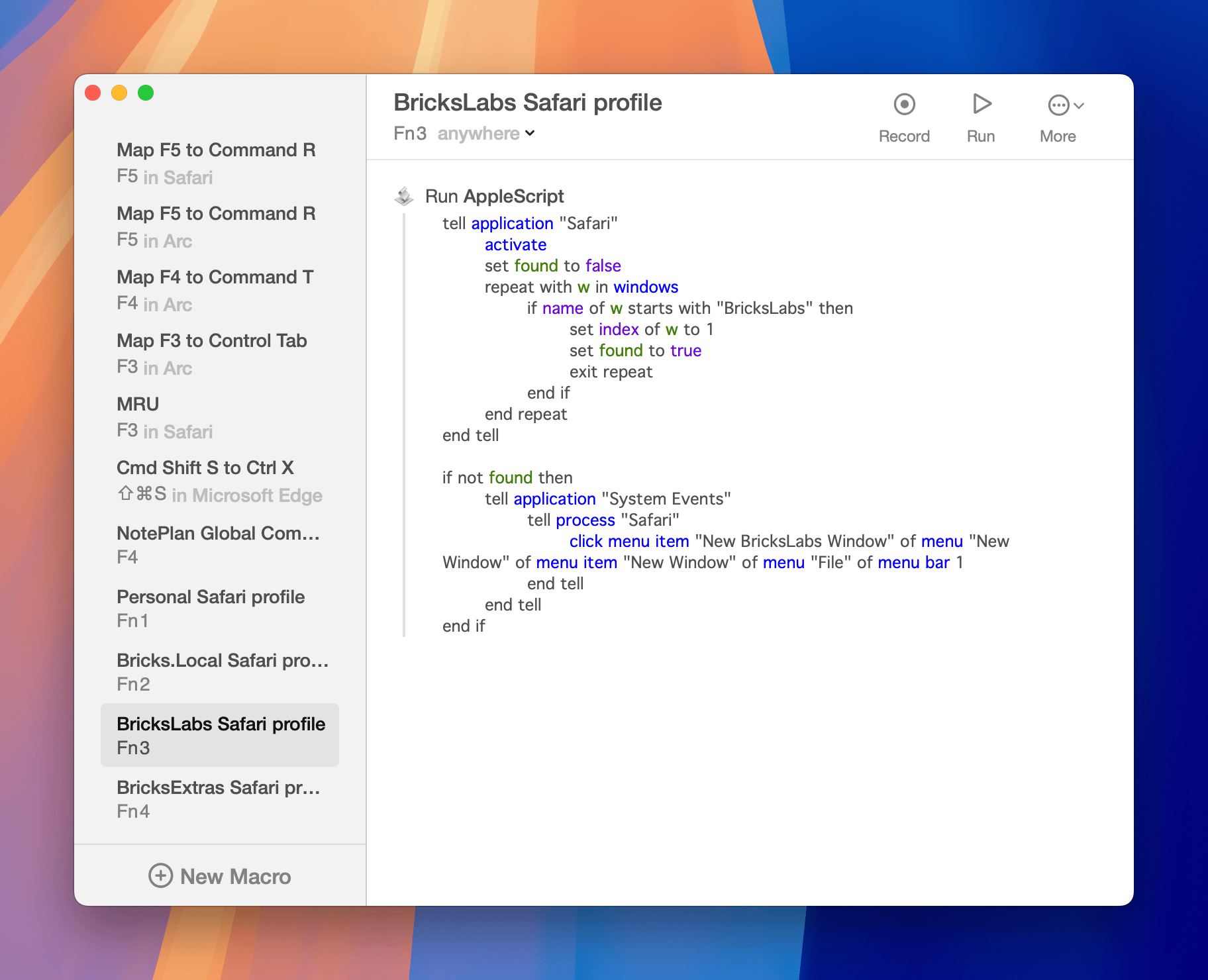
1 comment
BAF
What a timesaver!
Thanks so much for posting this.
This should be the behavior of the default Safari shortcuts!